Stage Plot and Input List: What They Are and How to Make Them
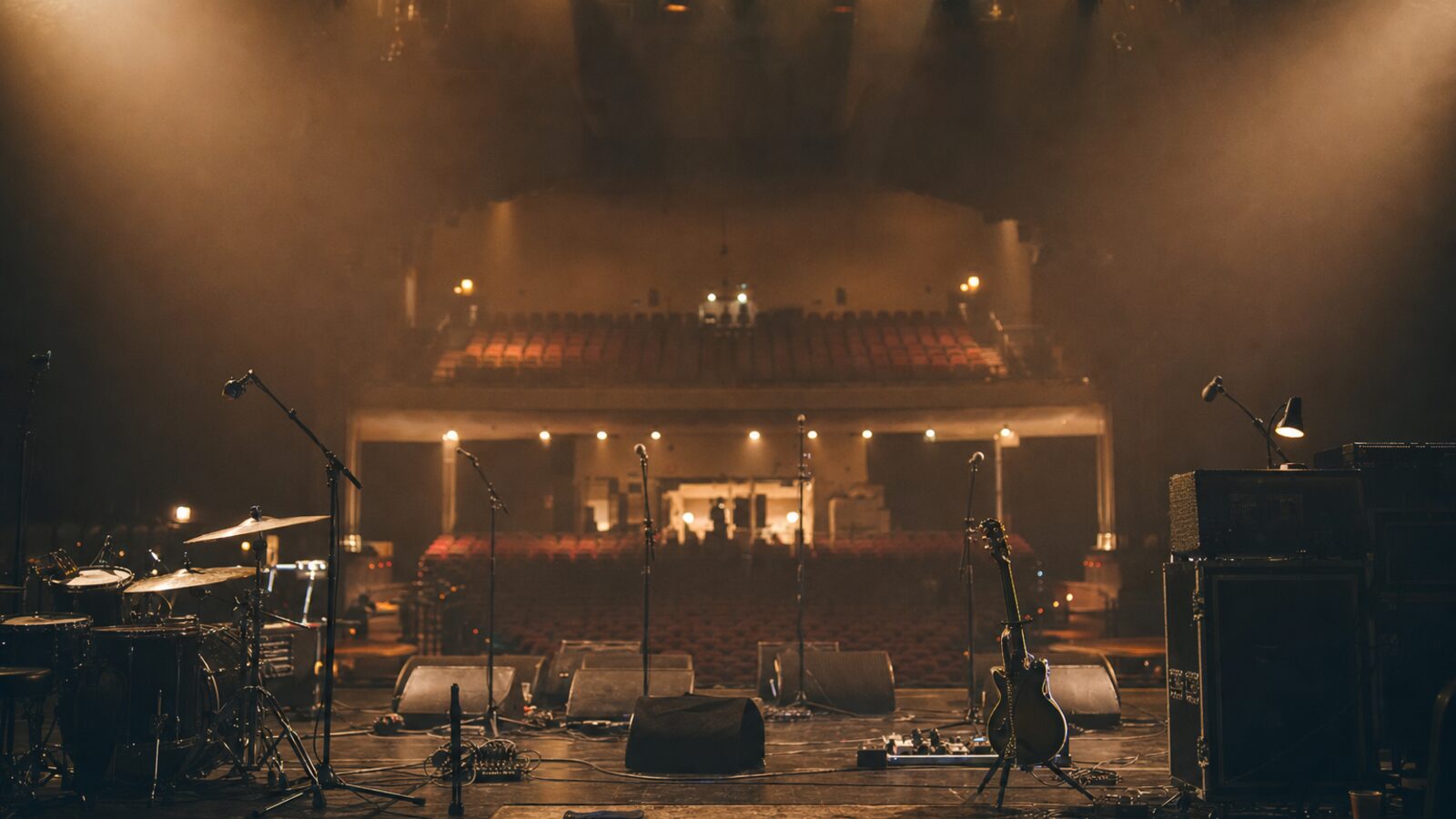
A stage plot is a simple overhead drawing of your stage setup: where each performer stands, where the instruments, amps, monitors, risers and power drops go. An input list (also called a channel list) is a numbered table of every audio source that needs a channel on the mixing desk, with the microphone or DI box, stand and any notes for each. Together they tell the venue's audio crew exactly how to set up for you before you load in.
They're short documents, usually one page each, but they do a lot of work. Below is what goes on them, how to lay them out, and how to keep them useful as a tour goes on.
Why stage plots and input lists matter
Most shows run on a tight schedule. Load-in, line check, soundcheck and changeovers all compete for limited time, especially on multi-band bills. If the house crew knows your setup in advance, they can patch the stage, place monitors, set out stands and label channels before you walk in. If they don't, they're guessing, and that time comes out of your soundcheck.
The stage plot and input list are a core part of your technical rider, the document that sets out your production requirements (the post on technical vs hospitality riders covers the rest). They're also among the first things a production manager or tour manager sends during the advance, the process of confirming every detail of a show with the venue and promoter ahead of time. The advancing checklist covers where they fit in that conversation.
They help the people on your side, too: a new FOH engineer, a fill-in drummer or a local backline company can understand the setup in a minute.
What to put on a stage plot
A stage plot is drawn as if you're looking down at the stage from above, with the audience at the bottom of the page and the back wall at the top. Label "Downstage / Audience" along the bottom edge so nobody has to guess.
Include:
- Performers and positions. Name and instrument for each person: "Sam — Lead vocal / acoustic guitar".
- Instruments and backline. Drum kit, amps, keyboards, pedalboards, racks. Backline means the band's on-stage instruments and amplification, whether you bring it or it's provided locally.
- Risers. Size and height, for example "drum riser, 8 ft x 8 ft, 16 in high", and whether they need skirting or wheels.
- Monitors. Wedge positions or in-ear packs, numbered to match monitor mixes.
- Power. Where you need AC drops, and any special requirements.
- DI boxes and stage boxes if their position matters.
- Mic stands. Mark tall boom, short boom and straight stands where they matter.
- Other items. Tables, chairs, water stations, towels, guitar techs' world, playback rigs, video or lighting pieces that sit on stage.
Keep a key for any symbols, and add your act name, a contact for production questions and a revision date at the top or bottom.
Keep the drawing clear
The goal is something an engineer can read at a glance on a phone screen or a sheet taped to a road case. A few principles help:
- Use simple shapes and plain labels rather than detailed artwork.
- Don't clutter it with every cable run. The input list carries the detail.
- Draw roughly to scale if you can, and include your minimum stage size (width and depth) so the venue can tell you early if you won't fit.
- Export it as a PDF, and keep a high-resolution image version for people who ask.
What to put on an input list
The input list is a table, numbered in the order you'd like channels on the desk. A common convention is to work from drums outward: kick, snare, hi-hat, toms, overheads, then bass, guitars, keys, playback and finally vocals. Engineers are used to that order, so it's easier for everyone, but the important thing is consistency from show to show.
Typical columns:
| Ch | Source | Mic / DI | Stand | Notes |
|---|---|---|---|---|
| 1 | Kick in | Own mic | None | Band provides |
| 2 | Kick out | Large-diaphragm dynamic | Short boom | |
| 3 | Snare top | Dynamic | Short boom | |
| 4 | Hi-hat | Small condenser | Short boom | 48V |
| 5 | Bass DI | DI | — | Own DI on pedalboard |
| 6 | Guitar amp | Dynamic | Short boom | |
| 7 | Keys L | DI | — | Stereo pair with 8 |
| 8 | Keys R | DI | — | |
| 9 | Lead vocal | Own wireless | Tall boom | Band provides receiver |
| 10 | Backing vocal SR | Dynamic | Tall boom |
A few other columns some acts add:
- Phantom power (48V) for condenser mics and active DIs.
- Insert or processing notes, if the engineer cares about specific compressors or gates.
- Sub-snake or stage box assignments for larger setups.
- Monitor mixes, often as a separate small table listing each mix, who it's for, wedge or in-ear, and what they want in it.
Separate talkback and spare channels too. A spare vocal line on a stand, already patched, can save a show when a mic fails.
Mic suggestions vs requirements
Be clear about what's a preference and what's essential. Writing "or equivalent" next to suggested mic models helps a venue that doesn't stock your exact choice. If something truly matters, such as a specific vocal mic, it's often simpler to bring your own. Don't list model numbers for the sake of it; engineers would rather see sensible, flexible requests.
Monitors and wireless: sections people forget
Monitors cause more soundcheck delays than almost anything else, so give them their own clear section, either on the input list or a separate page:
- How many mixes, and who's on each.
- Wedges or in-ears, and how many of each.
- Whether you have your own monitor engineer or need the house one. (The touring crew roles post explains how FOH, monitors and backline roles split up.)
- Any drum fill or side fills.
If you use wireless mics, in-ears or instrument packs, list how many systems and their frequency ranges. Rules about which radio frequencies can be used vary by country and change over time, so check local regulations before you tour, especially abroad. The venue or local production company can often advise on what works in their building.
Making versions for different shows
One stage plot rarely fits every show. A sensible approach:
- Full production version. Everything, for headline shows in rooms that can take it.
- Reduced version. For festivals, support slots or small rooms: fewer channels, shared backline, a smaller stage footprint. Mark which inputs can be dropped or combined.
- Acoustic or stripped-back version, if you do those shows.
Name files clearly, for example ActName_StagePlot_Full_v3.pdf and ActName_InputList_Festival_v2.pdf, and keep the revision date on the document itself. Festivals often have strict changeover times and shared kit, so they're especially grateful for a concise list that shows what's essential.
Sending them and keeping them current
The best stage plot in the world doesn't help if the venue has last year's version.
- Send early. Include both documents with the first advance email to the production contact.
- Ask for confirmation. A quick "please confirm you can accommodate this, or let us know what changes" brings problems to light weeks out instead of at load-in.
- Expect substitutions. Venues will often reply with what they can offer instead. Agree on it in writing, and let the band know.
- Update after changes. New member, new instrument, new keyboard rig: update the documents the same week, bump the version number and resend to upcoming venues.
- Print a copy. Tape one to the stage-left wall or a road case on show day. Not everyone on the local crew will have seen the email.
Common mistakes
- Drawing the stage from the audience's point of view without labeling it, which flips stage left and stage right. (Stage left and stage right are from the performer's point of view, facing the audience.)
- Channel numbers on the input list that don't match labels on the stage plot.
- Listing gear you no longer use, or leaving out a new instrument.
- No contact details, so the venue can't ask questions.
- A beautiful but unreadable layout that doesn't print well in black and white.
Where these documents live on tour
Stage plots and input lists usually sit alongside the rest of the technical rider and get attached to each show's advance. Keeping the latest version in a single shared place, rather than buried in old email threads, means your crew always grab the right one. Tools like Conductour let you keep documents like these with each tour, next to the itinerary and contacts. The documents themselves stay simple: one clear drawing and one clear table, kept up to date and sent early.
Frequently asked questions
What is the difference between a stage plot and an input list? +
A stage plot is a drawing of the stage from above showing where people, instruments, amps, monitors and power need to be. An input list is a numbered table of every audio source that needs a channel on the mixing console, with the mic or DI and stand for each. They're usually sent together as part of the technical rider.
Do small bands need a stage plot? +
Yes, even a simple one helps. A one-page drawing and a short input list let the house engineer set up mics, monitors and lines before you arrive, which saves time at load-in and often gets you a better soundcheck. Many venues ask for them in the advance.
What software should I use to make a stage plot? +
Anything that produces a clear, readable PDF works. Some people use dedicated stage plot apps or websites, others use general drawing tools, presentation software or a spreadsheet. Clarity matters more than the tool.
How many channels should an input list have? +
As many as you genuinely need, and no more. List every source you want amplified, then check whether some can be combined or dropped for smaller rooms. Venues have a finite number of channels, mics and stands, so it helps to know your priorities if you need to cut down.
Run your next tour on Conductour
Itineraries, show cues, travel, and crew — one timeline the whole team can trust.
Start for free